
Digital Restaurant Menu Maker — DIR.MENU
DIR.MENU is a digital restaurant menu app that turns your PDF into an interactive flipbook. Upload your digital food menu once, get a shareable link and QR code, and customers always see the latest version — no app download required.
DIGITAL MENU FOR RESTAURANT
Upload any PDF — A4, letter, portrait, or landscape. It becomes a beautiful digital flipbook in seconds.
Update your menu anytime. Customers always see the latest version.
Share a link or QR code. Opens in any browser, no download required.
Custom link, your colors, your logo. Fully white-labeled.
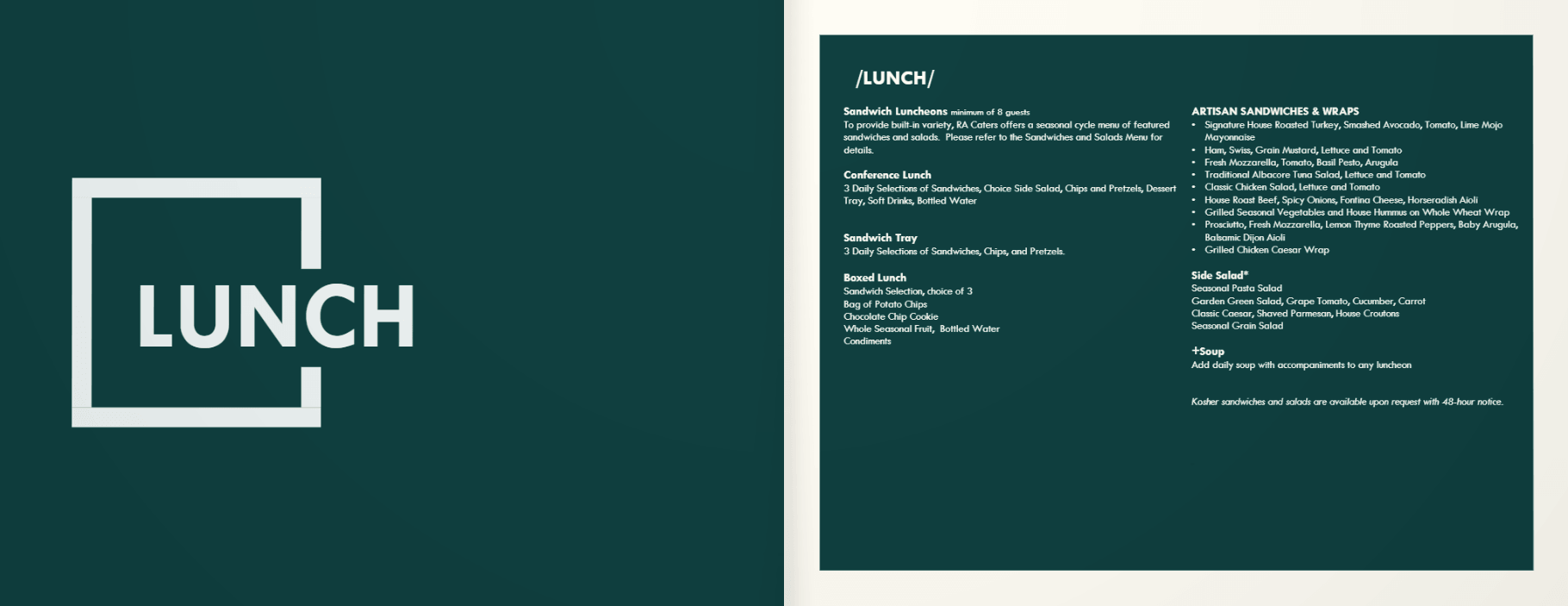
Real menus, digitized.
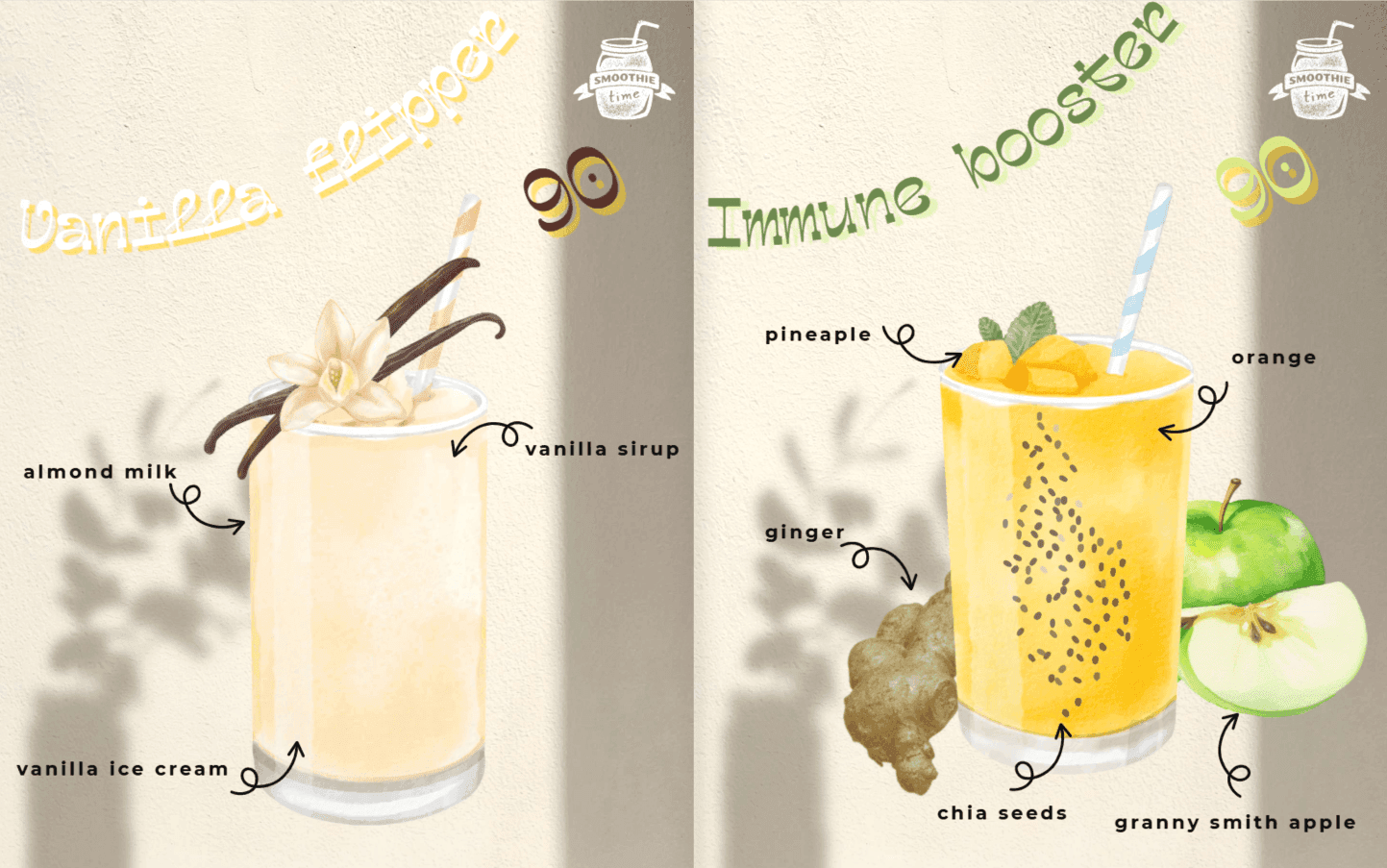
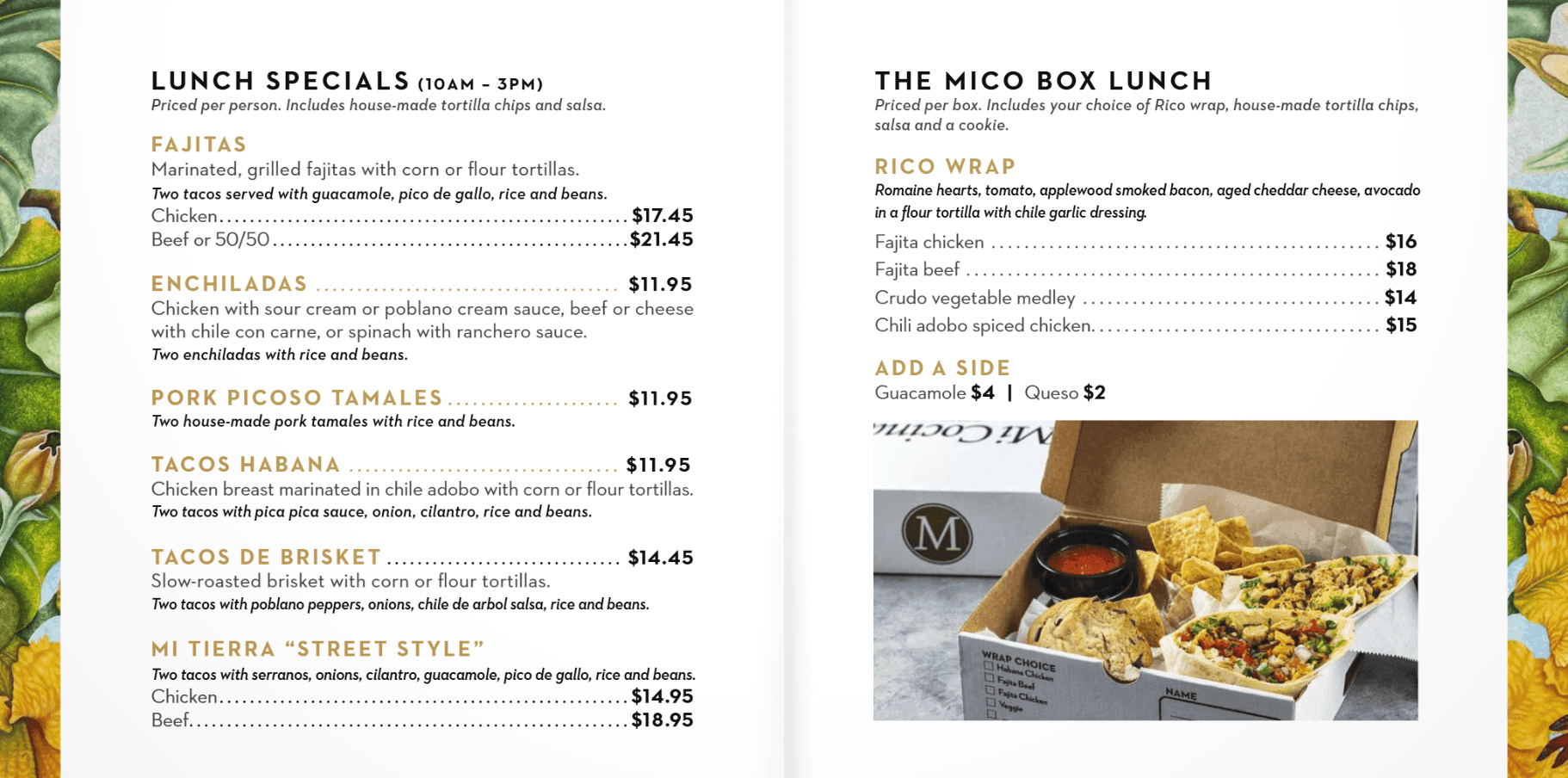
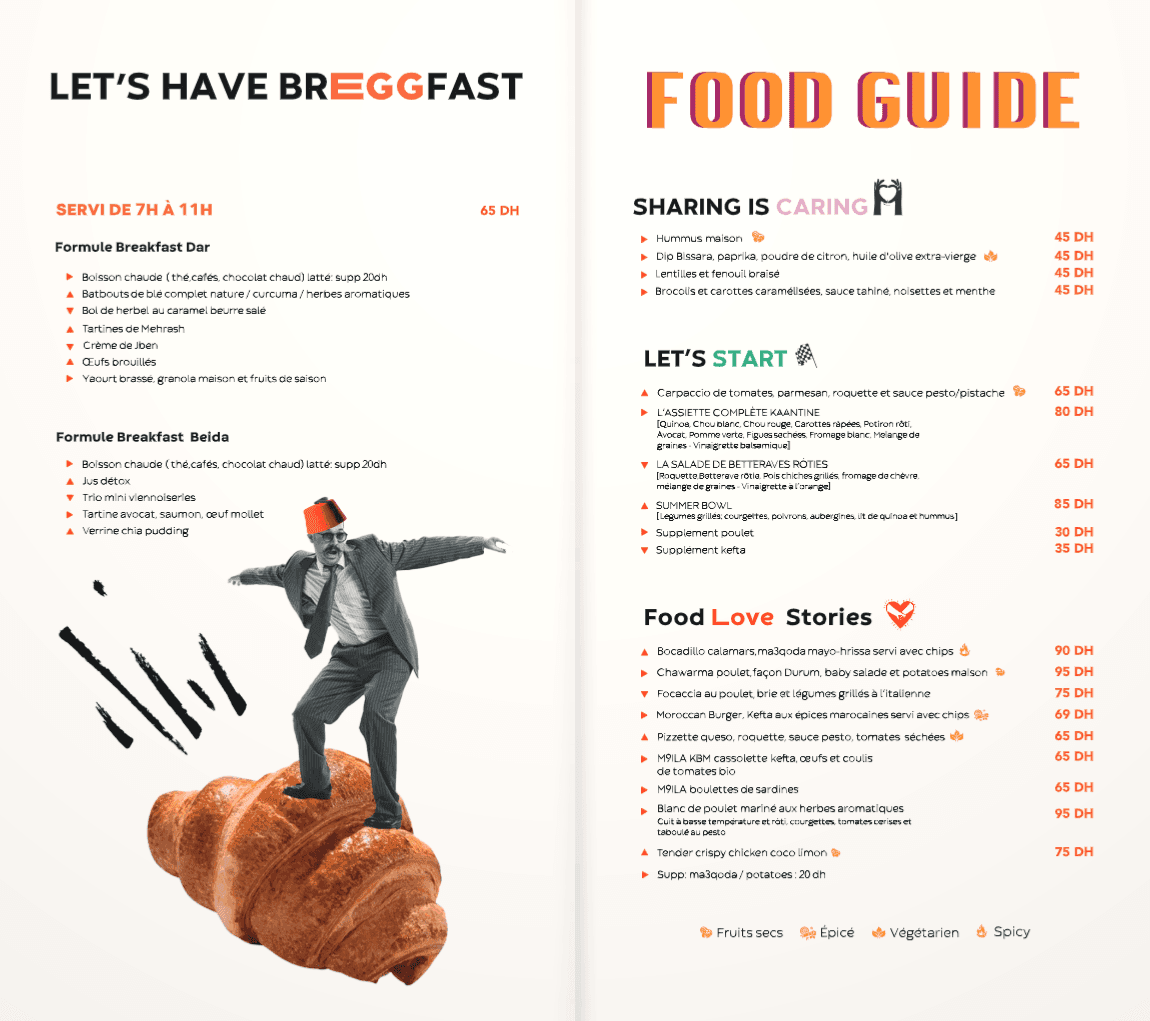
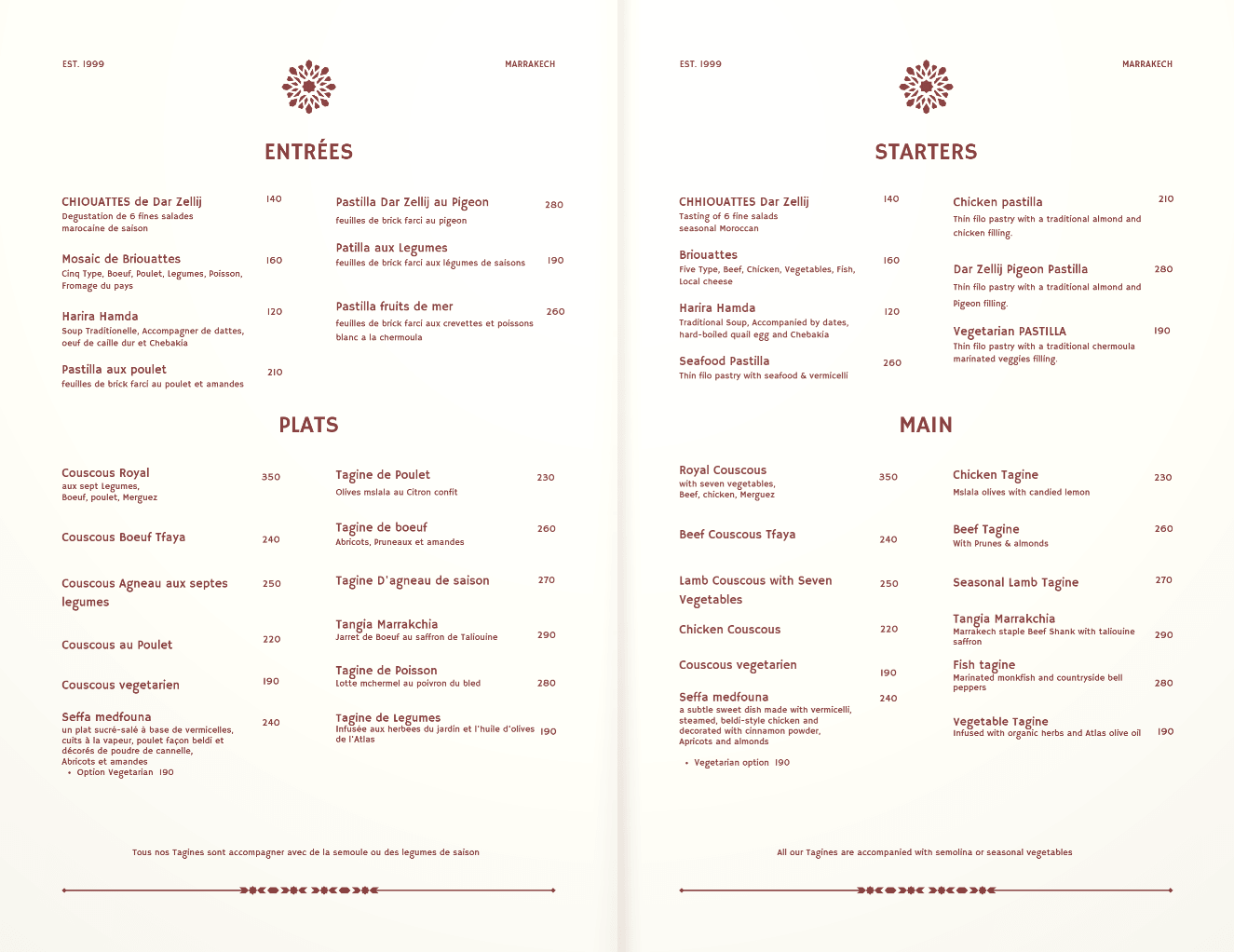
How it works.
Drop your PDF menu — any size or orientation. We convert it to a stunning digital flipbook instantly.
Get a link or QR code. Print it, text it, post it — whatever works for you.
Changed a price? New dish? Re-upload and your link stays the same.
Paper menus are outdated the moment they're printed. PDF links? Nobody wants to pinch-zoom a flat file.
Old
vs
Smart.
- ×Paper waste every reprint
- ×Outdated the day it's printed
- ×No analytics
- ×Expensive design costs
- ✓Update in seconds, no reprint
- ✓Always current, always on
- ✓See what customers click
- ✓Upload your own PDF
- ✓A4, letter, portrait & landscape
“CUSTOMERS STARTED SCANNING THE QR CODE BEFORE WE EVEN FINISHED SETTING UP.”— SOFIA, RESTAURANT OWNER · Marrakesh
Who uses it.
No more reprinting every season.
Daily specials, updated daily.
One link for every dining outlet.
Your menu travels with you.
Drinks list, cocktail menu, happy hour — all digital.
Send the menu before the event.
Your menu,
on your
website.
No app, no link, no redirect. Your customers flip through your menu right on your homepage — always showing your latest version.
See how it works →<iframe
src="https://dirmenu.com/embed/your-slug"
width="100%"
height="600"
frameborder="0"
allowfullscreen>
</iframe>Pricing.
Full access for 7 days. No credit card.
- ✓ Live for 7 days, then offline
- ✓ Up to 5 menus
- ✓ 5 MB storage
- ✓ Flipbook viewer
- ✓ QR code generator
- ✓ Analytics dashboard
- ✓ Unlimited scans
$200 billed yearly — less than one menu reprint.
- ✓ Your menu never goes offline
- ✓ Unlimited menus
- ✓ 20 MB storage
- ✓ Flipbook viewer
- ✓ QR code generator
- ✓ Analytics dashboard
- ✓ Unlimited scans
- ✓ Remove branding
- ✓ Embed on your website
- ✓ 7-day free trial
Pay once. Use forever. Every feature we ever ship.
- ✓ Unlimited menus
- ✓ 100 MB storage
- ✓ Menus always live
- ✓ Remove branding
- ✓ Embed on your website
- ✓ QR code generator
- ✓ Analytics dashboard
- ✓ Every future feature
Go
Digital.
Free to start. No credit card required.
Create Your Menu →FAQ.
Not at all. If you can upload a file and copy a link, you're good. No coding, no design tools, no technical setup required.
Just a standard PDF. Export from Word, Canva, Adobe InDesign — whatever you already use to design your menu.
Yes. The shareable link and QR code stay the same forever. Just re-upload a new PDF and your customers instantly see the updated version.
No. The flipbook opens directly in any mobile or desktop browser — no app, no account, no friction.
The free plan includes 1 menu. Pro gives you 3 menus, and the Forever plan gives you unlimited menus — perfect for restaurants with separate lunch, dinner, and drinks menus.
Yes, menu links are publicly accessible to anyone who has the link. There is no private or password-protected option at this time.