
Digital Restaurant Menu Maker — DIR.MENU
DIR.MENU is a digital restaurant menu app that turns your PDF into an interactive flipbook. Upload your digital food menu once, get a shareable link and QR code, and customers always see the latest version — no app download required.
DIGITAL MENU FOR RESTAURANT
Upload your PDF, put one QR code on every table, and update prices whenever you like. Guests always see the latest menu. The QR code never changes.
Upload any PDF — A4, letter, portrait, or landscape. It becomes a beautiful digital flipbook in seconds.
Update your menu anytime. Customers always see the latest version.
Share a link or QR code. Opens in any browser, no download required.
Custom link, your colors, your logo. Remove our branding on Pro.
This is what your guests see.
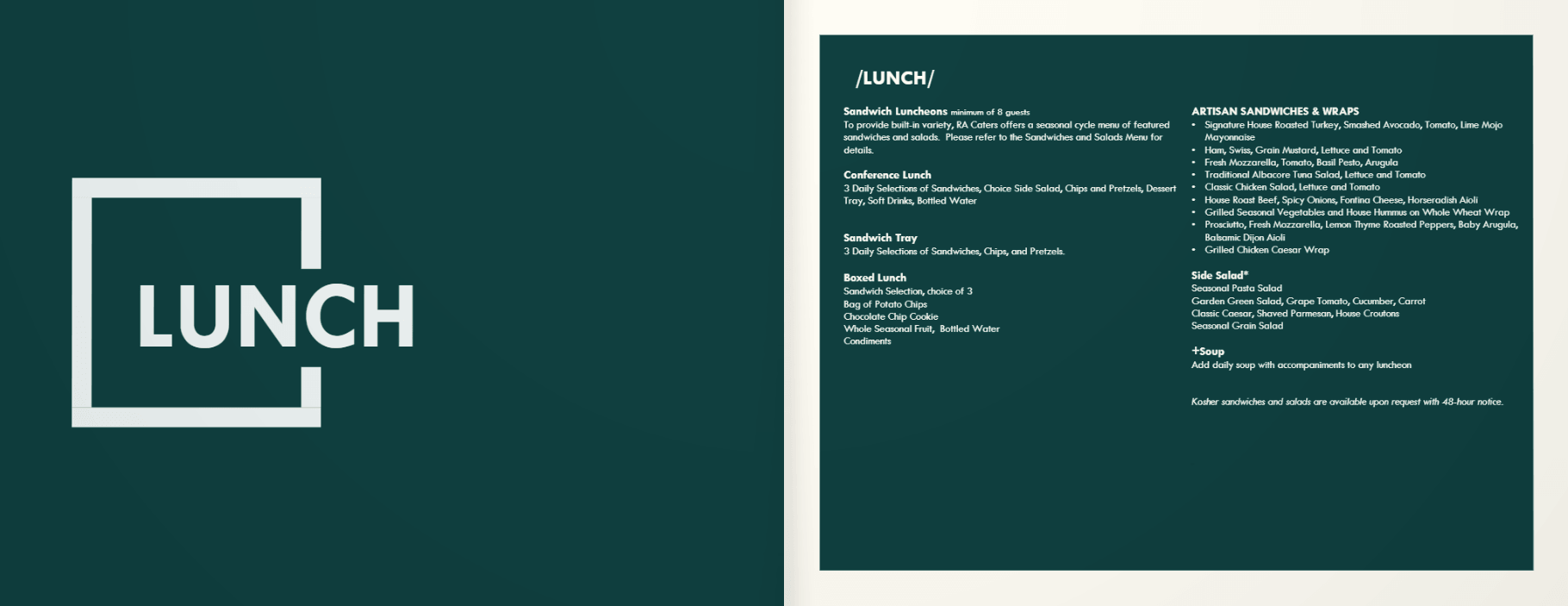
A real Marrakech restaurant menu, uploaded as a plain PDF. Flip through it exactly like a guest does after scanning the QR code on the table — no app, no download.
Swipe or drag the page to flip through it
Real menus, digitized.
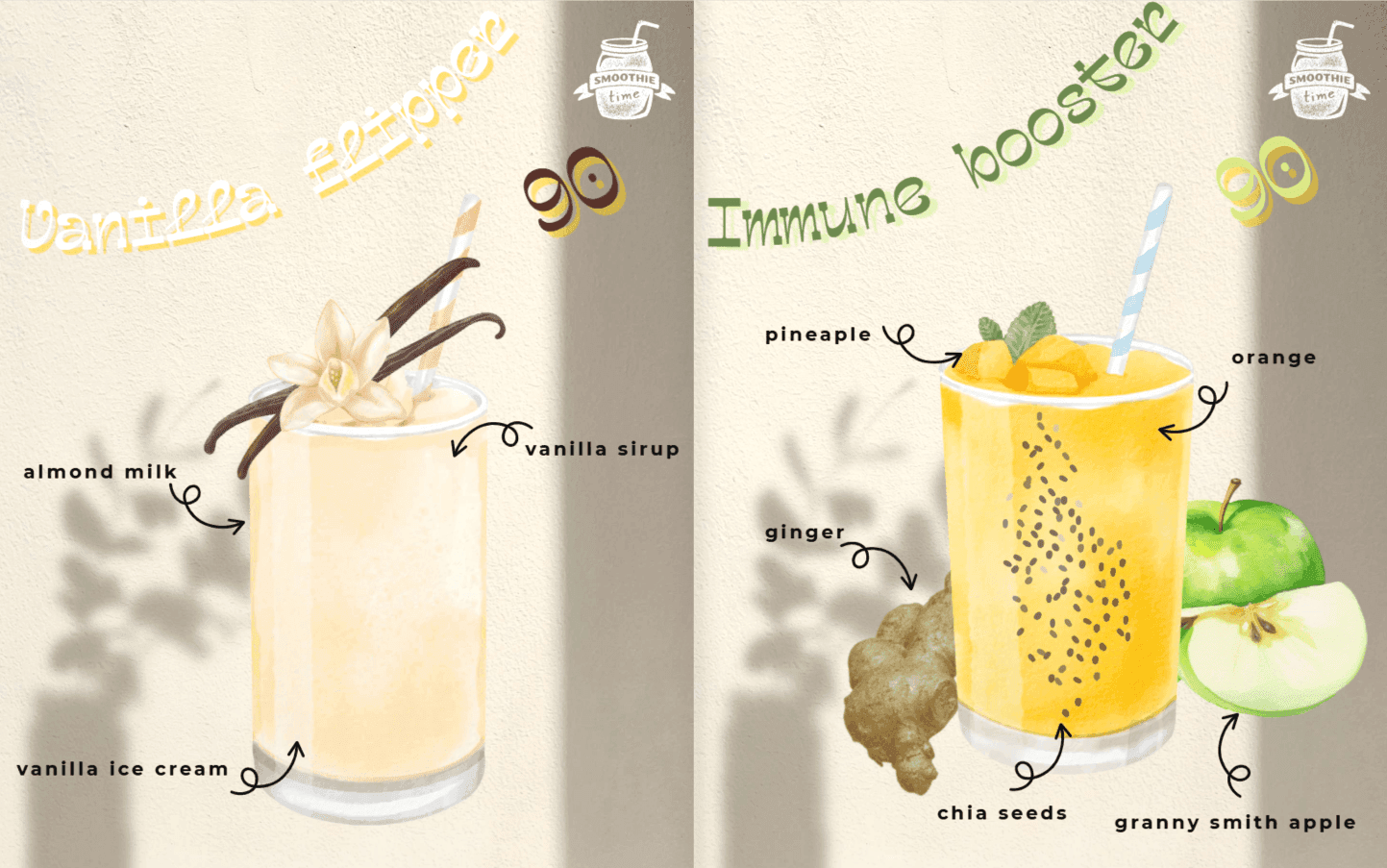
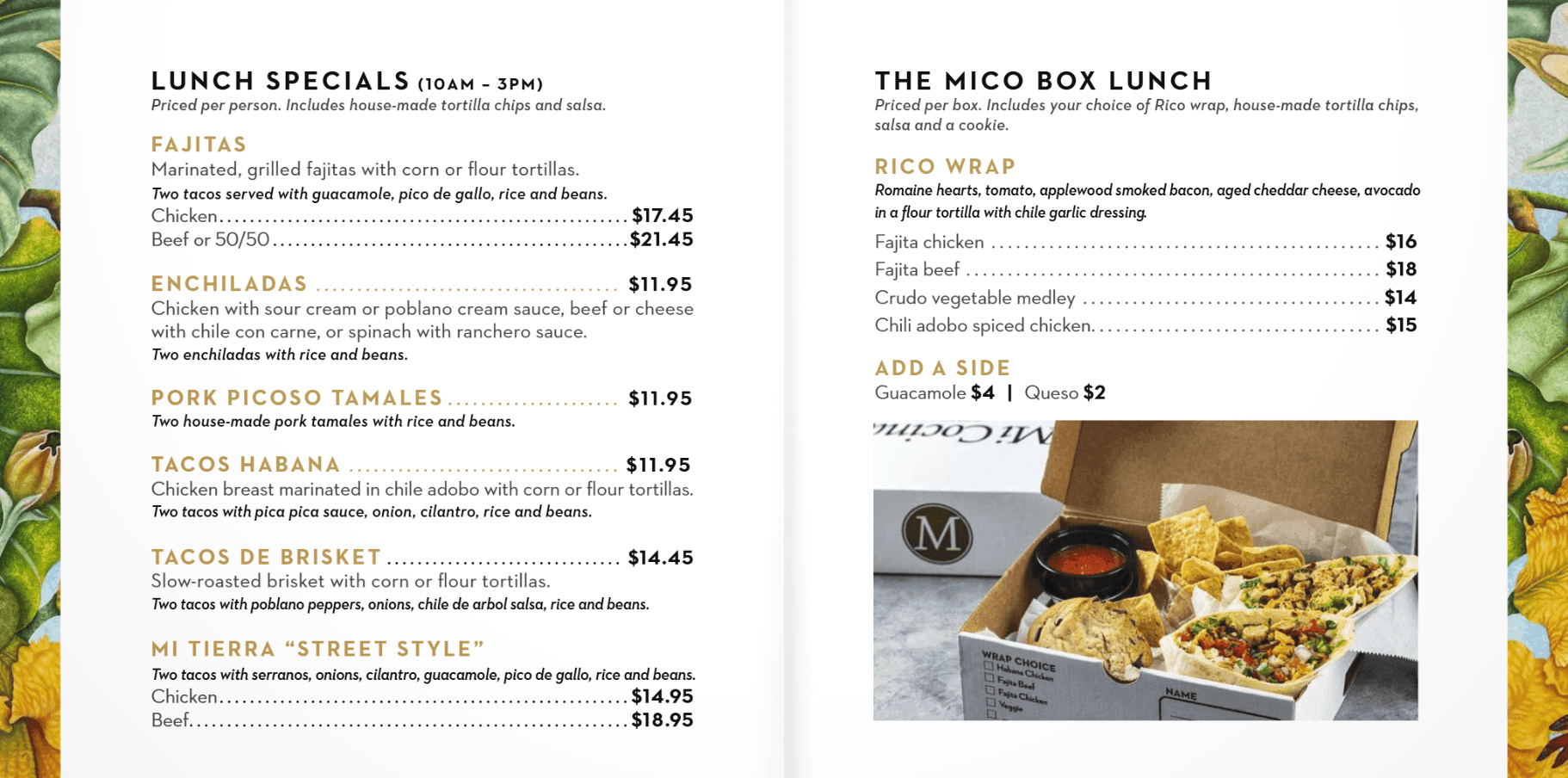
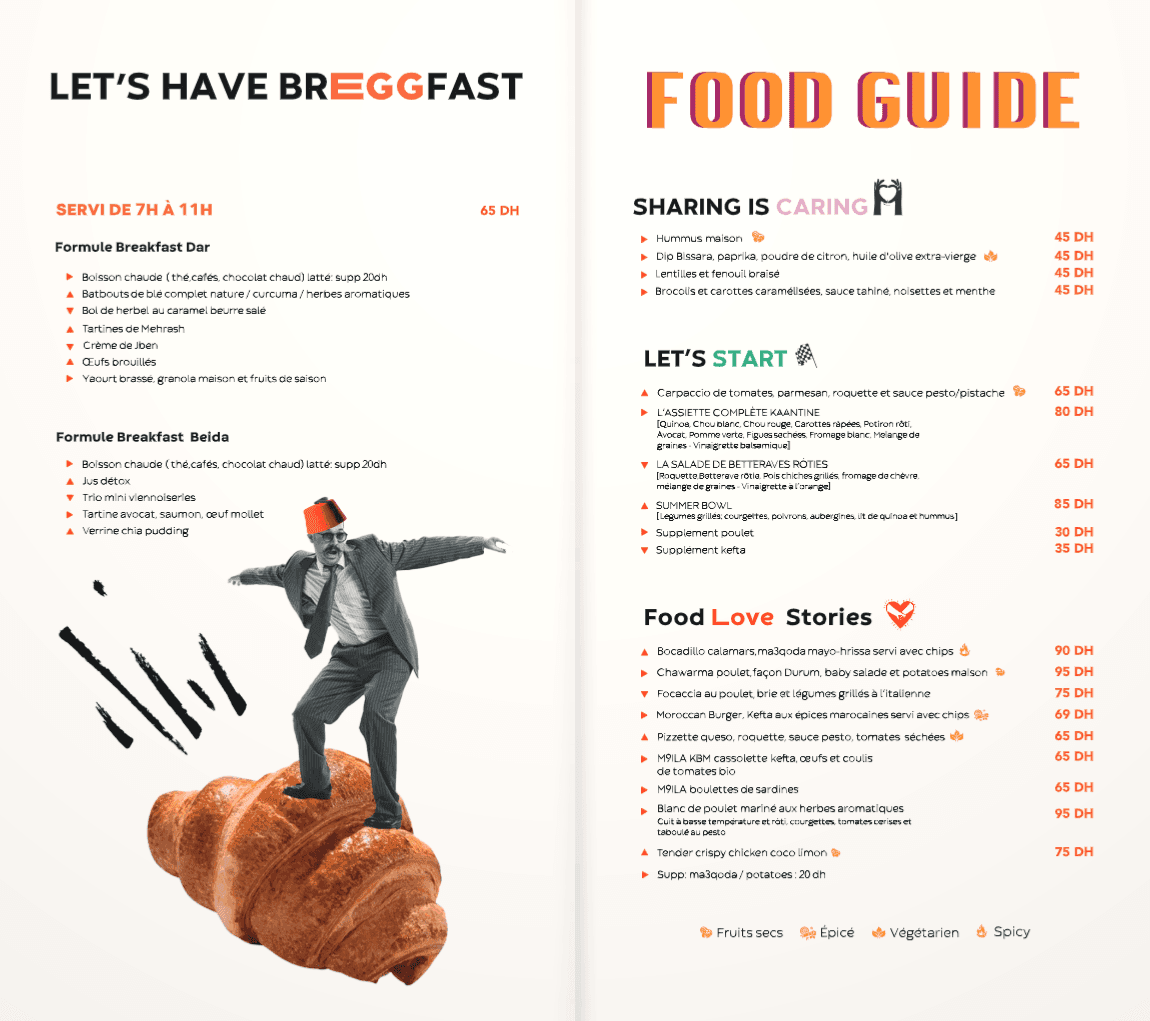
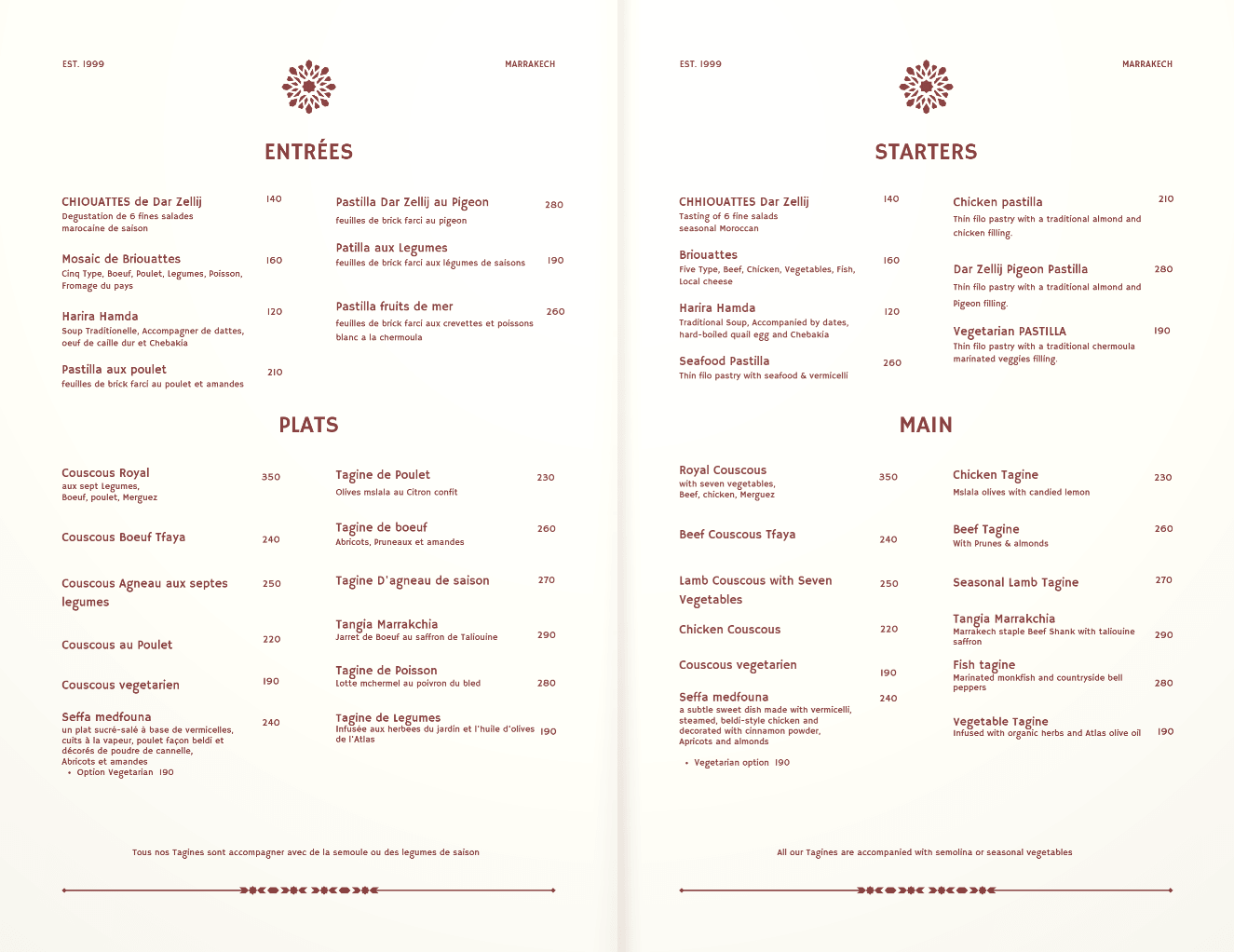
Same menu.
Different bill.
Three steps either way. Only one of them sends you back to the print shop every time a price changes.
- 01 · Design + print run$$$Wait for proofs. Pay the print shop.
- 02 · Hand out copies$Sticky, torn, never enough.
- 03 · Price changed? Reprint$$$Outdated the day it's printed.
- UploadIncluded
Drop your PDF — any size or orientation. It becomes a flipbook in seconds.
- ShareIncluded
One link and QR code. Put it on every table, text it, post it — opens on any phone, no app.
- UpdateIncluded
Changed a price? Re-upload. Same link, same QR code — every table sees it instantly.
Turn menu scans into Google reviews.
two-QR table card
Happy guests rarely think to leave a review — but they're already holding their phone to read your menu. Your table card puts a Google review QR right next to the menu QR, so the review is one scan away while the meal is still fresh.
- 01Paste your Google review link
- 02Download your two-QR table card
- 03Print it for every table
Based on DIR.MENU's own measurements with restaurants using the card.
Restaurant
Your Restaurant
Scan to view our menu
Leave us a Google review
Your Restaurant
Rate your visit
Pricing.
Full access for 7 days. No credit card.
- ✓ Live for 7 days from first publish
- ✓ Up to 5 menus
- ✓ 5 MB per upload
- ✓ Flipbook viewer
- ✓ QR code generator
- ✓ Analytics dashboard
- ✓ Unlimited scans
- ✓Your menu never goes offline
- ✓Unlimited menus
- ✓20 MB upload limit
- ✓Permanent link & QR code
- ✓Flipbook viewer
- ✓Analytics dashboard
- ✓Unlimited scans
- ✓Remove DIR.MENU branding
- ✓Embed on your website
- ✓7-day money-back guarantee
Pay once. Use forever. Every feature we ever ship.
- ✓ Unlimited menus
- ✓ 100 MB per upload
- ✓ Menus always live
- ✓ Remove branding
- ✓ Embed on your website
- ✓ QR code generator
- ✓ Analytics dashboard
- ✓ Every future feature
Go
Digital.
Free to start. No credit card required.
Create Your Menu →FAQ.
Not at all. If you can upload a file and copy a link, you're good. No coding, no design tools, no technical setup required.
Nothing is deleted. Your menu, link, and QR code stay exactly as they are, and upgrading puts your menu back online instantly — so your printed QR codes keep working. Until you upgrade, anyone who scans sees an offline page.
The moment you put your first menu live — not when you sign up. Take your time uploading, designing, and previewing. The clock only starts when customers can actually see your menu.
Just a standard PDF. Export from Word, Canva, Adobe InDesign — whatever you already use to design your menu. No PDF? Snap a photo of your paper menu and we'll build a digital one from it.
Yes. The shareable link and QR code stay the same forever. Just re-upload a new PDF and your customers instantly see the updated version.
No. The flipbook opens directly in any mobile or desktop browser — no app, no account, no friction.
The free plan includes up to 5 menus. Pro and Forever give you unlimited menus — perfect for restaurants with separate lunch, dinner, and drinks menus.
Yes, menu links are publicly accessible to anyone who has the link. There is no private or password-protected option at this time.